macOS · UAD Console companion
Put your Apollo
on your controller.
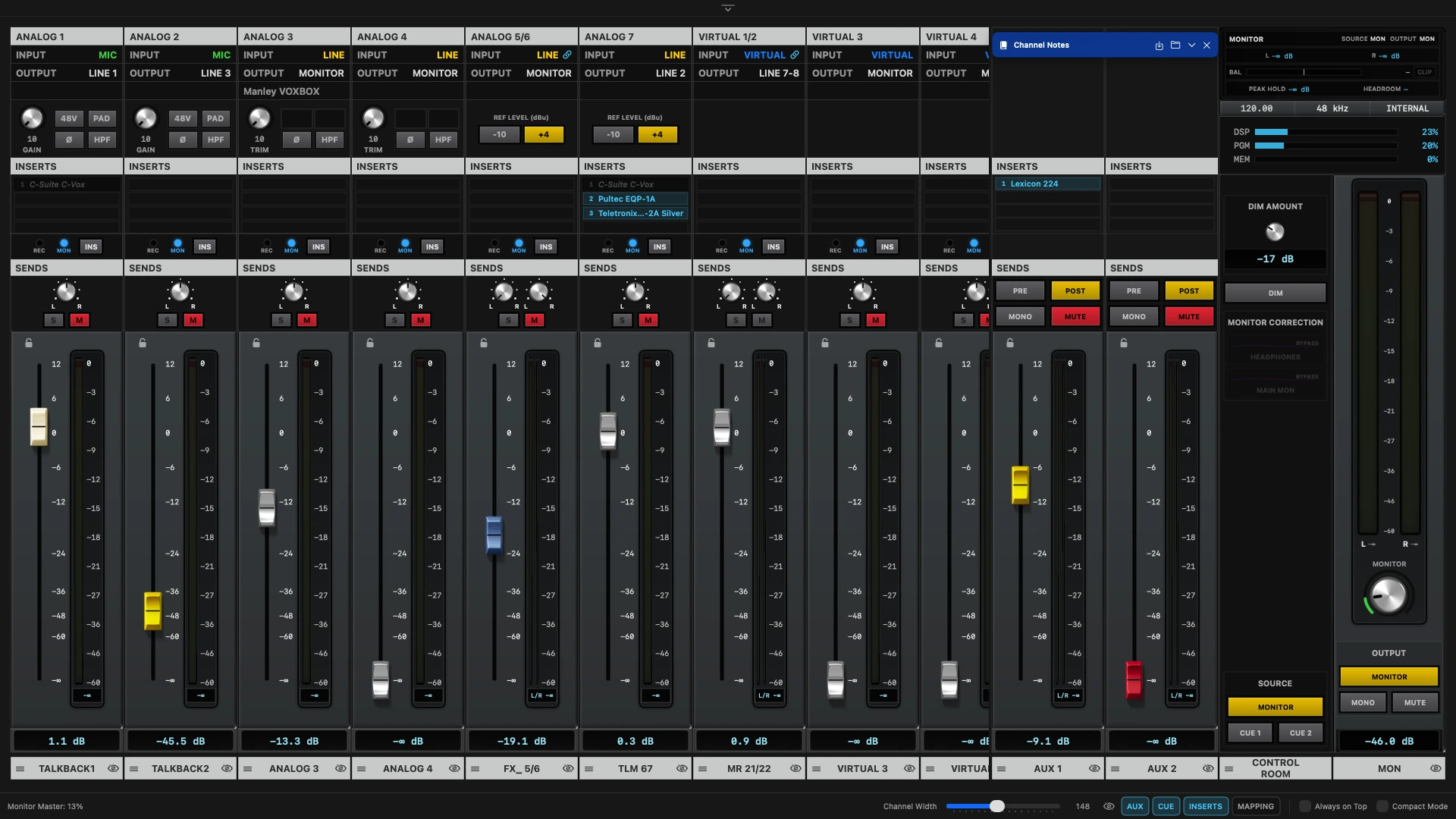
ConsoleMap maps every fader, mute and preamp control in UAD Console to your MIDI surface or keyboard — and shows you a live console view while you work. No audio ever passes through it.
Reads state, sends control
ConsoleMap talks to UA Mixer Engine, the same layer UAD Console uses. It never sits in the audio path, so latency and signal quality are exactly what they'd be without it.
Two-way, in real time
Move a fader in UAD Console and your controller's LED updates. Move the controller and the Console fader moves. Mute, inserts and monitor source all sync the same way.
Learns your gear
Any CoreMIDI device, any keyboard shortcut. Right-click a control on the console view and move your hardware — that's the whole mapping process.
Inside the app
Map it, play it, watch it.
Three screens share one set of mappings — and the console is yours to reskin. Swipe through, or click any shot to enlarge it.
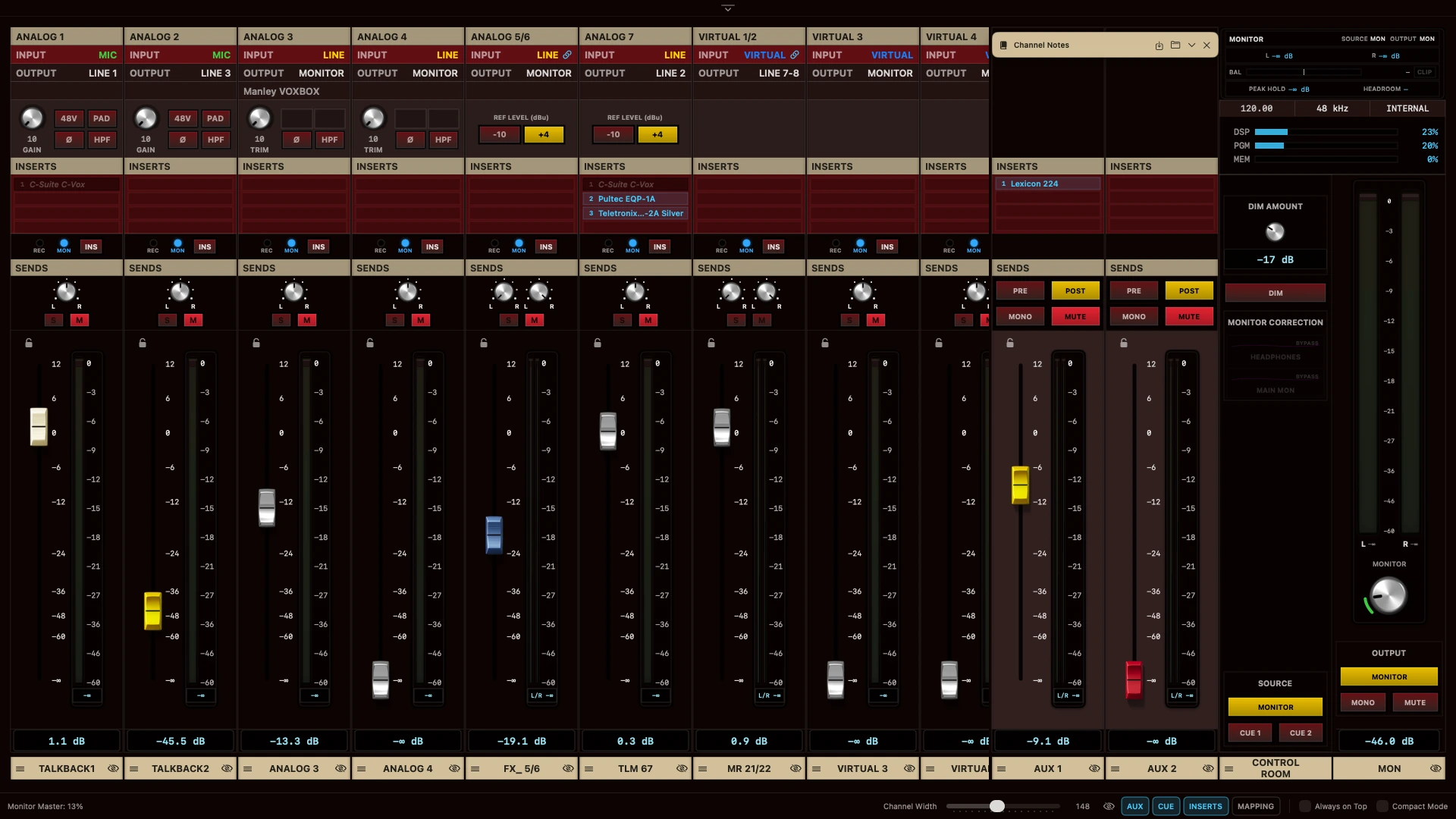
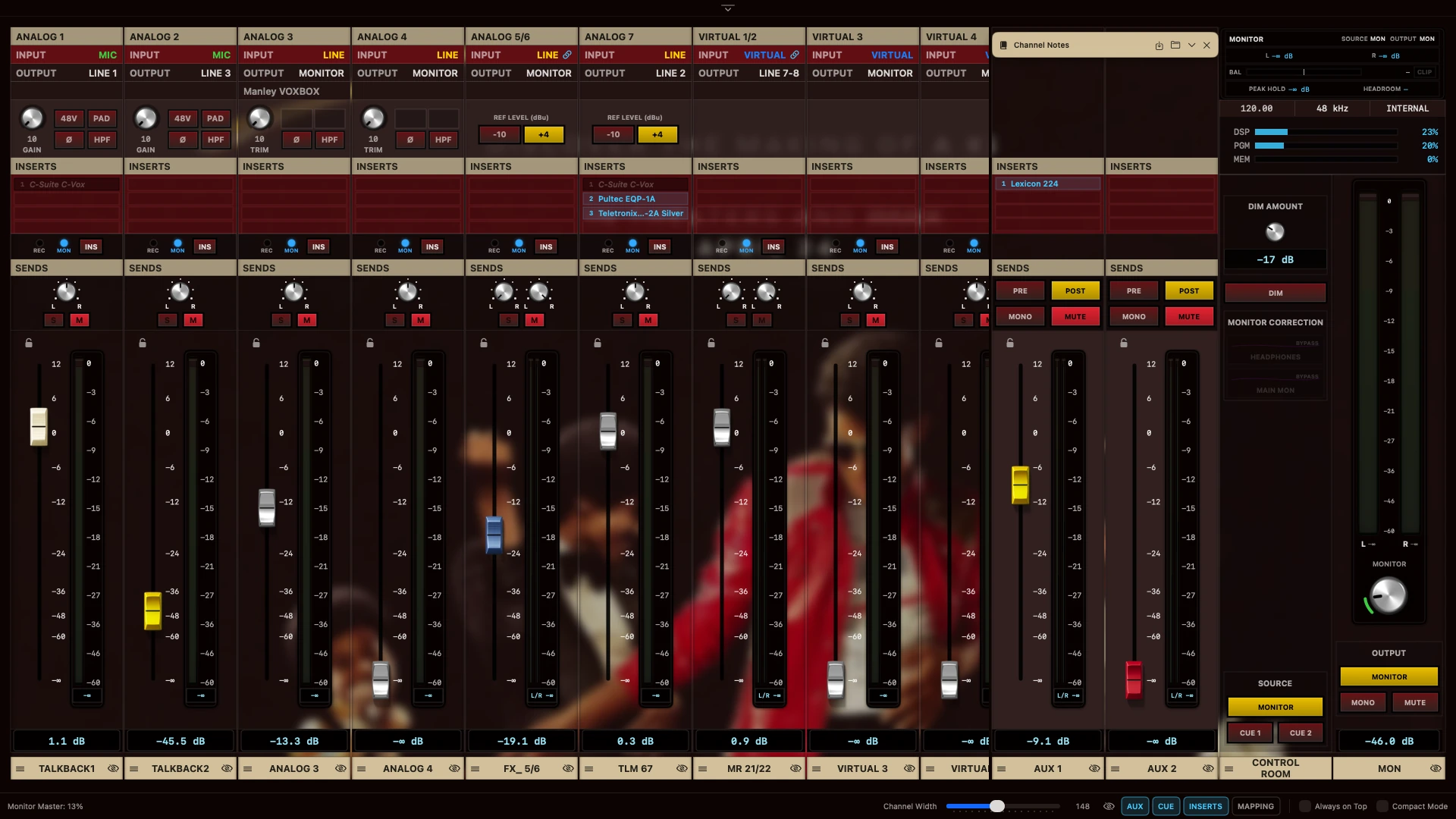
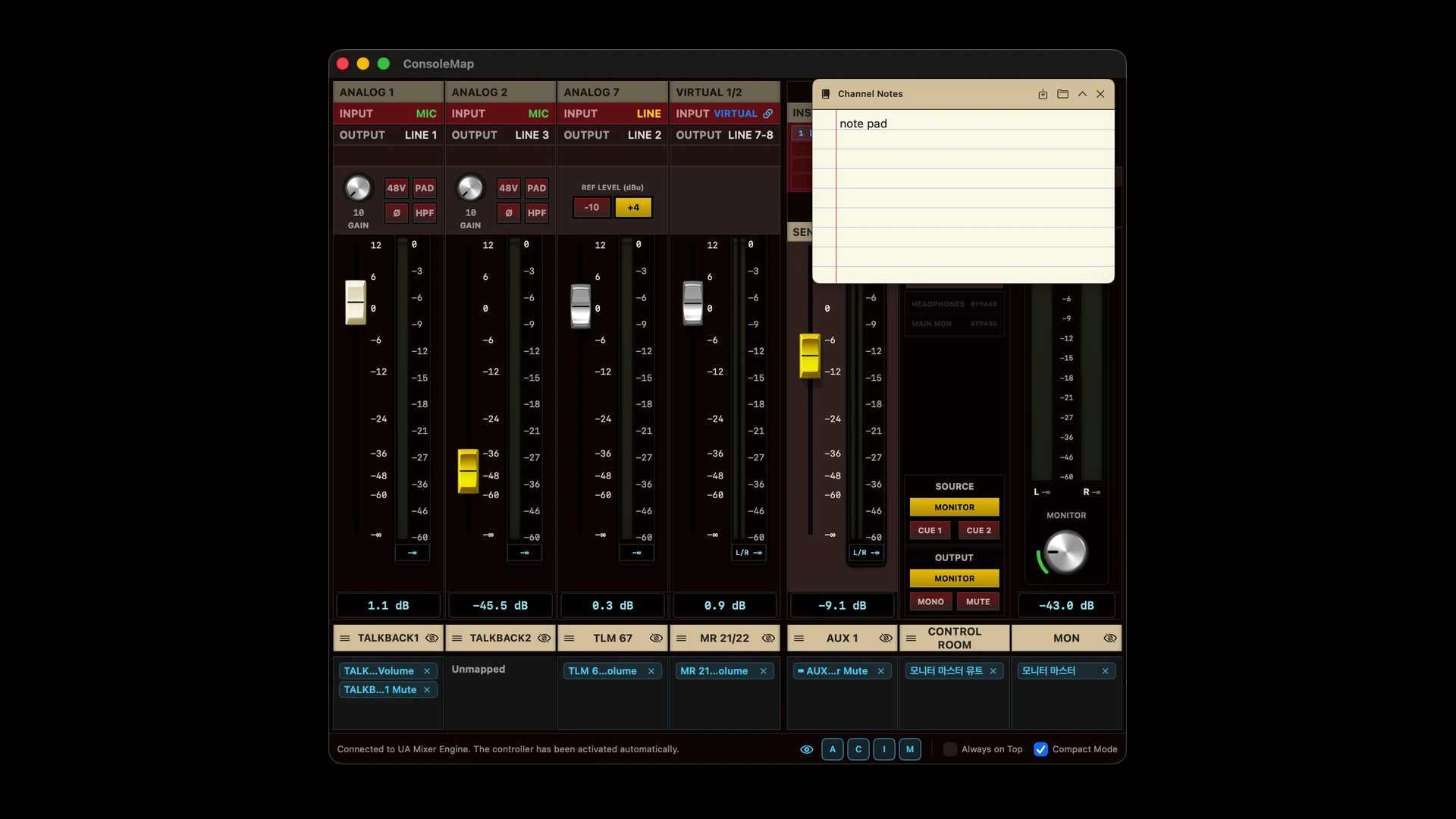
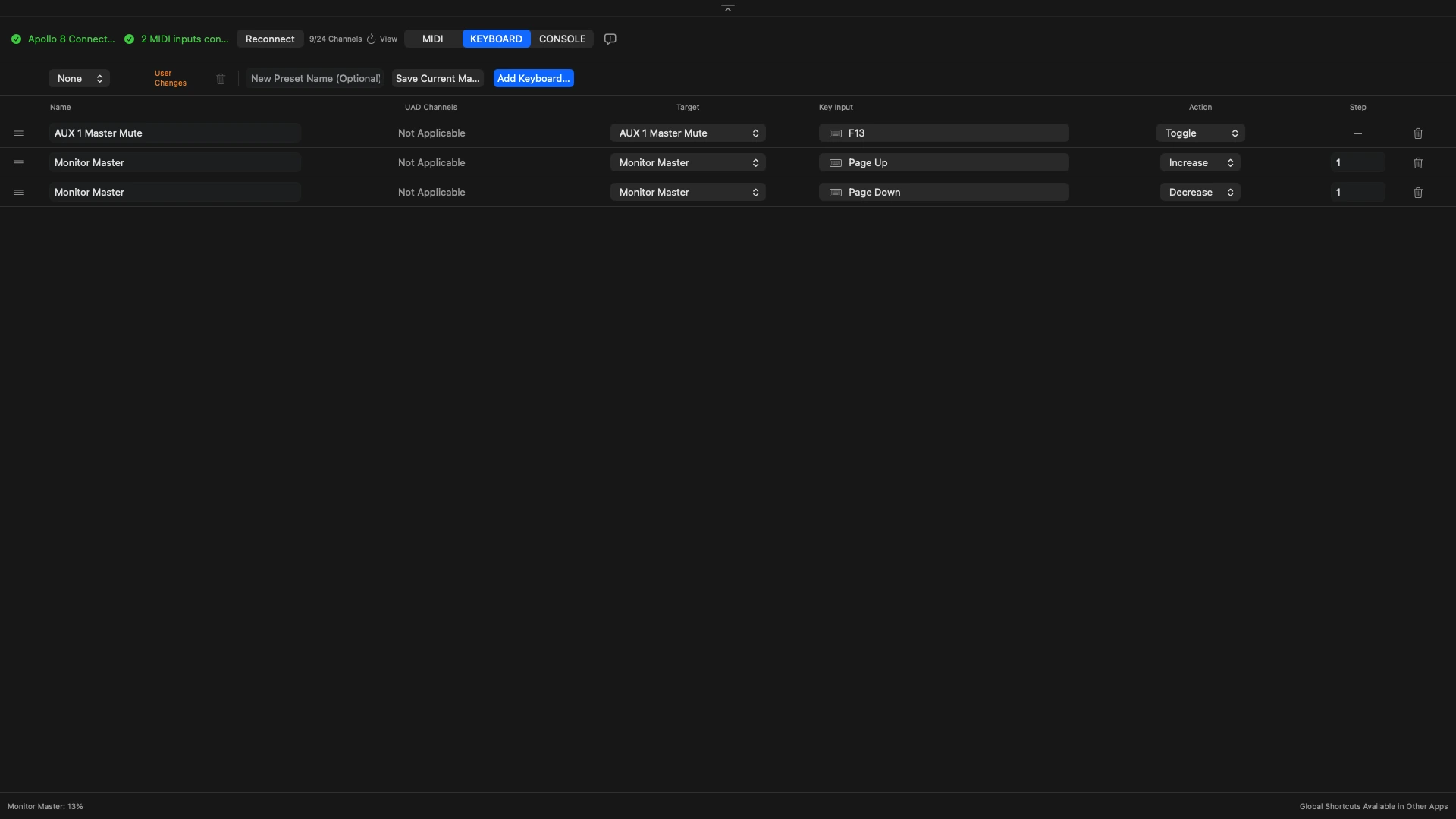
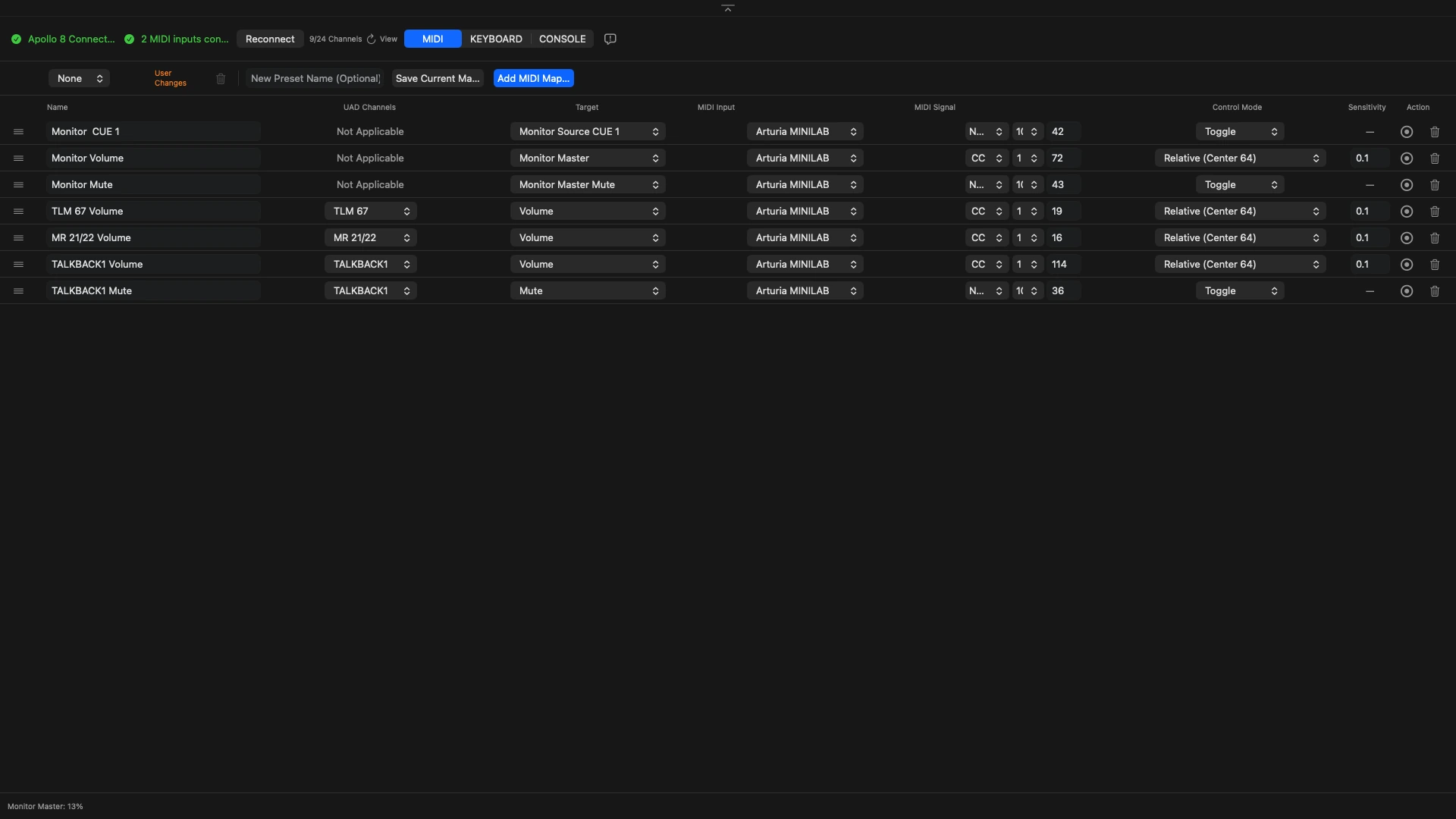
A live channel view
Everything it controls
Down to the control room.
Channels
- Volume, pan, mute, solo
- Preamp gain, 48V, pad, phase, HPF
- Insert slot power, synced both ways
- AUX 1/2 and CUE 1–4 sends where present
Control room
- Talkback, AUX masters, monitor volume
- Source (Monitor / Cue 1–4) switching
- Output (Monitor / Alt 1/2) switching
- Monitor correction, headphones & main
Workflow
- Mapping presets — save, load, revert
- Channel notes, saved with the preset
- Full backup and restore, one JSON file
- Automatic Apollo & channel detection
Look and feel
- Custom image skins with colour extraction
- Per-channel fader caps
- VU meter with selectable reference
- Compact mode for narrow screens
One purchase, no subscription
Try it on your own rig first.
Connection, the console view and metering are never limited. The free version caps how many mappings you can run, and keeps the appearance features for the full version.
Free
$0- Up to 3 MIDI + 3 keyboard mappings (5 combined)
- Full Console view, meters, monitor section
- Mute LED feedback on mapped buttons
- Presets, backup and restore
- No time limit
Full version
One-time purchase- Unlimited MIDI and keyboard mappings
- Unlocks instantly, no restart
- Covers every Mac on your Apple Account
- Not a subscription — pay once
- Custom skins, fader caps and channel notes